Working from home means spending long hours looking at a screen, reading documents, joining video calls and switching between different tasks. Good home office lighting can make that routine considerably more comfortable.
The challenge is not simply making the room brighter. A very bright ceiling light, exposed bulb or poorly positioned desk lamp can reflect directly from your monitor and create distracting glare. At the same time, a dark room surrounding a bright screen can create an uncomfortable visual contrast.
The solution is a balanced lighting plan that combines ambient light, task lighting and carefully positioned accent light. Your desk, monitor, windows and light fixtures all need to work together.
In this guide, we explain how to plan home office lighting without screen glare, how bright your workspace should be, where to place a desk lamp, which colour temperature works well and which common mistakes to avoid.
Why Does Home Office Lighting Cause Screen Glare?
Screen glare usually occurs when a bright light source is reflected by the surface of your monitor toward your eyes.
The most common sources include:
- Ceiling lights positioned directly above or behind the monitor
- Windows directly opposite the screen
- Desk lamps pointed toward the monitor
- Exposed bulbs within your field of view
- Highly reflective desks and glossy surfaces
- Excessively bright fixtures in an otherwise dark room
The important point is that glare is often a positioning problem rather than simply a brightness problem.
A powerful light placed correctly may be comfortable, while a relatively small lamp positioned directly in front of the monitor can create an irritating reflection.
For that reason, start your home office lighting plan with the position of your desk and monitor before selecting fixtures.
How Should You Position Your Desk to Reduce Screen Glare?
Position your desk so that windows and strong light sources are not directly facing the screen.
If possible, place the desk perpendicular to a window. This allows natural light to enter from the side rather than reflecting directly into the monitor.
A simple arrangement looks like this:
| Desk position | Glare risk | Recommendation |
|---|---|---|
| Window directly behind monitor | High | Avoid if possible |
| Window directly behind you | High | Avoid if possible |
| Window beside desk | Lower | Usually a good option |
| No window nearby | Depends on artificial lighting | Use layered lighting |
| Strong ceiling light directly above screen | Medium to high | Diffuse or reposition it |
Side lighting is generally easier to control because it illuminates your workspace without creating a direct reflection across the display.
If your room layout forces you to place the monitor near a window, use curtains, blinds or adjustable shades to control daylight during the brightest part of the day.
What Is the Best Home Office Lighting Setup?
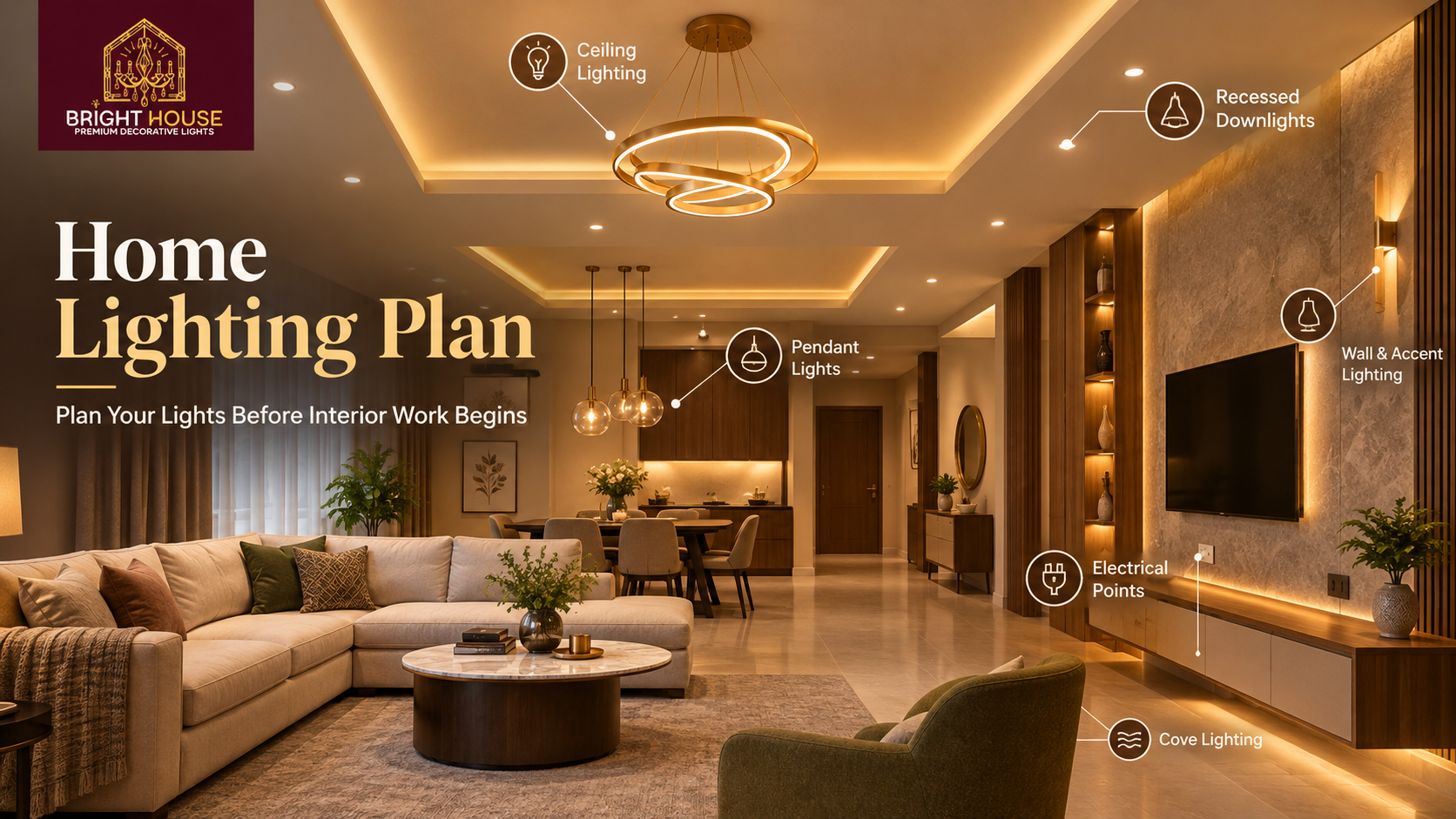
The best home office lighting setup combines ambient lighting, task lighting and indirect or accent lighting instead of relying on one bright fixture.
This is known as layered lighting.
1. Ambient lighting
Ambient lighting provides general illumination throughout the room.
A ceiling fixture, recessed lighting, surface-mounted ceiling light or concealed LED lighting can provide this layer.
The objective is not to make the entire room extremely bright. Instead, the room should have enough general illumination that the monitor is not the only bright area in your field of view.
2. Task lighting
Task lighting provides focused illumination where you actually work.
A desk lamp is the most straightforward example. It can illuminate notebooks, documents, keyboards and other areas without requiring the entire room to be brighter.
3. Indirect or accent lighting
Indirect lighting can soften the contrast around your monitor.
A concealed light behind the desk, wall-washing fixture or carefully positioned LED source can create a gentle background glow.
Bright House's guide to layered lighting explains how ambient, task and accent lighting can work together throughout a home.
How Bright Should Home Office Lighting Be?
A useful starting point for a home office is around 25 to 30 lumens per square foot for general ambient lighting, with approximately 50 to 60 lumens per square foot at the desk as a task-lighting target.
These are planning figures, not rigid requirements. Room size, wall colour, daylight, fixture efficiency and personal preference all affect the final result.
For example, Bright House's room-by-room lighting guide lists a study or office at approximately 25 to 30 lumens per square foot for ambient lighting and 50 to 60 lumens per square foot at the desk.
For a 100-square-foot home office, that gives you a starting point of:
| Lighting requirement | Approximate target |
|---|---|
| General ambient lighting | 2,500 to 3,000 lumens |
| Desk task area | 500 to 600 lumens |
| Total lighting scheme | Distributed across multiple sources |
Do not interpret these figures as a recommendation to install one 3,000-lumen fixture.
A better approach is to distribute light across the room. One extremely bright source can create hard shadows and glare, while several controlled sources can produce a more comfortable environment.
Where Should You Put a Desk Lamp?
Place a desk lamp to the side of your dominant working hand and angle it toward the work surface rather than toward your face or monitor.
For a right-handed person, placing the lamp on the left side of the desk can reduce shadows cast by the working hand. For a left-handed person, the opposite arrangement can be useful.
The lamp should illuminate the documents or desk surface without shining directly into your eyes.
Keep these principles in mind:
- Aim the light at the work surface.
- Keep the bulb or LED source outside your direct line of sight.
- Avoid pointing the lamp toward the monitor.
- Choose a shade or diffuser that softens the light.
- Use an adjustable arm when your tasks change frequently.
- Keep cables away from the main working area.
- Use dimming if the fixture supports it.
A desk lamp does not need to be extremely bright to be useful. Its job is to provide controlled task illumination, not replace every other light source in the room.
What Colour Temperature Is Best for a Home Office?
For a home office, around 3500K to 4000K is a practical starting range for task lighting, while the ideal choice depends on the room, daylight and the atmosphere you prefer.
Lower colour temperatures appear warmer and more relaxed. Higher colour temperatures appear cooler and more neutral.
| Colour temperature | Appearance | Suitable use |
|---|---|---|
| 2700K | Warm | Relaxed evening spaces |
| 3000K | Warm-neutral | Comfortable general lighting |
| 3500K | Neutral | Home office and mixed-use areas |
| 4000K | Cool-neutral | Focused task work |
| 5000K+ | Very cool | Specialized applications |
Consistency also matters.
If your ceiling light is 3000K and your desk lamp is 6500K, the two sources can look noticeably different. In a compact office, that contrast may make the space feel visually disconnected.
For a home office used throughout the day, a neutral white source can be practical, particularly for focused desk work. If the room also functions as a reading or relaxation area, adjustable or dimmable lighting gives you more flexibility.
Should You Use a Desk Lamp With a Computer Monitor?
Yes, but the desk lamp should illuminate the work area without reflecting directly from the monitor.
The ideal position depends on the monitor size, desk depth and lamp design.
If you use a laptop, you may have more flexibility because the screen angle can be adjusted. With a large desktop monitor, pay closer attention to the lamp's beam direction.
Try this simple test:
- Turn on the desk lamp.
- Sit in your normal working position.
- Look at the monitor from your usual viewing angle.
- Move the lamp until its reflection disappears.
- Check whether the lamp is still providing enough light on the desk.
- Adjust the brightness rather than simply moving it closer to your eyes.
The goal is useful light without a visible hotspot on the screen.
How Can You Reduce Glare From Ceiling Lights?
Choose diffused fixtures and avoid placing an intense light source directly in the visual path between you and the monitor.
Recessed downlights can work well when positioned thoughtfully, but a grid of powerful spotlights can create multiple bright points within your field of view.
A diffuser, frosted cover or indirect source can soften the light.
You can also reduce glare by:
- Using a dimmer when appropriate
- Switching off unnecessary fixtures
- Moving the monitor slightly
- Adjusting the monitor tilt
- Controlling daylight with blinds or curtains
- Using matte finishes on nearby surfaces
- Adding soft indirect light behind the monitor
The aim is not to eliminate every reflection from the room. It is to prevent bright reflections from becoming distracting during normal work.
Is Indirect Lighting Good Behind a Monitor?
Yes. Indirect lighting behind or near a monitor can help reduce the visual contrast between a bright display and a dark wall.
A low-level LED strip or concealed light can create a soft background glow without shining directly into your eyes.
However, avoid placing a visible LED strip where individual diodes are directly visible from your chair. The light source should ideally be concealed or diffused.
This technique is especially useful when you work in the evening.
Instead of having:
Bright monitor + dark room
you can create:
Bright monitor + softly illuminated surroundings
That difference can make the workspace feel more balanced.
What Are the Most Common Home Office Lighting Mistakes?
Several common mistakes make a home office uncomfortable even when the fixtures themselves are good quality.
1. Putting the monitor directly in front of a window
The window can become a bright background or create reflections across the display.
2. Using only one ceiling light
A single fixture often leaves the desk, walls and corners with different brightness levels.
3. Using an exposed bulb
An uncovered bright source can enter your direct field of view and become distracting.
4. Making the desk lamp too bright
Task lighting should illuminate the work surface, not compete with the monitor.
5. Mixing extreme colour temperatures
A very warm ceiling fixture beside a very cool desk lamp can create an inconsistent appearance.
6. Ignoring the monitor position
Lighting should be planned around the actual viewing position, not simply around the centre of the room.
7. Installing too many spotlights
More fixtures do not automatically mean better lighting. Direction, beam spread and intensity matter just as much.
How Can You Plan Home Office Lighting Without a False Ceiling?
You do not need a false ceiling to create effective home office lighting.
A simple combination of a ceiling fixture, desk lamp and indirect wall or shelf lighting can provide the three layers needed for a comfortable workspace.
For homes without a false ceiling, consider:
- A surface-mounted ceiling fixture for ambient light
- An adjustable desk lamp for task lighting
- A wall light for secondary illumination
- A floor lamp for a darker corner
- Concealed LED lighting behind furniture
- Dimmable fixtures where practical
Bright House also has a guide covering ceiling-light options for rooms without false ceilings, which can help when planning a workspace in an existing room.
The same principle applies to a home office: work with the wiring and architecture you already have instead of assuming that a false ceiling is necessary.
How Do You Choose a Glare-Free Desk Lamp?
Look for a desk lamp with controlled, diffused output and adjustable positioning rather than simply choosing the highest-wattage model.
Important features include:
- Adjustable arm or head
- Diffused light
- Dimming
- Suitable colour temperature
- Good colour rendering
- Stable base
- Easy-to-reach controls
- A shade that hides the direct light source
For reading printed documents, good colour rendering can also be valuable because it helps colours and materials appear more naturally.
If your work involves design, photography, fashion, product selection or colour-sensitive tasks, pay particular attention to the fixture's CRI specification.
What Is the Best Lighting Arrangement for a Home Office?
A practical arrangement is to combine soft ambient light with controlled desk lighting and low-level background illumination.
For example:
Daytime
- Use daylight from the side.
- Keep blinds partially open when comfortable.
- Use moderate ambient lighting when the room needs additional illumination.
- Add desk lighting for paperwork or detailed tasks.
Evening
- Use ambient ceiling lighting at a comfortable level.
- Turn on the desk lamp when detailed work requires it.
- Add soft indirect light behind or beside the monitor.
- Reduce unused fixtures rather than making every light brighter.
This approach allows the lighting to change with the task instead of forcing one brightness level throughout the day.
How Can You Test Your Home Office Lighting?
The easiest way is to test the room from your normal working position.
Sit at the desk and check:
- Can you see the screen without obvious reflections?
- Is the monitor much brighter than the rest of the room?
- Is there a bright bulb in your direct field of view?
- Does the desk have enough light for handwritten work?
- Are there dark areas immediately around the screen?
- Does daylight create reflections at particular times?
- Can you reduce brightness without making the desk too dark?
Test the setup during both daytime and evening conditions.
A lighting arrangement that looks perfect at 10 a.m. can behave very differently after sunset.
Final Home Office Lighting Checklist
Before finalising your workspace, check these points:
- Position the monitor away from direct window reflections.
- Prefer side lighting from windows where possible.
- Use ambient and task lighting together.
- Keep the desk lamp aimed at the work surface.
- Avoid exposed bright bulbs in your direct field of view.
- Consider approximately 25 to 30 lumens per square foot for ambient office lighting.
- Consider approximately 50 to 60 lumens per square foot at the desk.
- Start around 3500K to 4000K for focused task lighting.
- Use diffused or indirect lighting to soften harsh sources.
- Consider dimmable fixtures for greater control.
- Test the lighting from your actual sitting position.
- Check the setup during both day and night.
Good home office lighting is ultimately about control and balance. The brightest fixture is not necessarily the best fixture, and adding more lights does not automatically solve glare.
Plan the desk position first, control daylight, distribute your artificial lighting and keep direct sources outside your normal line of sight. With the right combination of ambient, task and indirect lighting, you can create a workspace that is functional, comfortable and visually polished.
Frequently Asked Questions
1. What is the best lighting for a home office?
The best home office lighting combines ambient room illumination with focused desk lighting and, where useful, soft indirect light. This layered approach helps reduce harsh contrasts and screen reflections.
2. How do I stop my desk lamp from reflecting on my monitor?
Move the lamp to the side, angle it toward the desk surface and keep the light source outside your direct line of sight. Adjust the lamp while sitting in your normal working position until the reflection disappears.
3. What colour temperature is best for office lighting at home?
Around 3500K to 4000K is a practical starting range for focused home-office work. The final choice should also consider daylight, room finishes and how the space is used.
4. How many lumens does a home office need?
A practical starting point is around 25 to 30 lumens per square foot for ambient lighting, with approximately 50 to 60 lumens per square foot at the desk for task lighting.
5. Is indirect lighting behind a monitor useful?
Yes. Soft indirect lighting behind or around a monitor can reduce the contrast between a bright screen and a dark background. The light source should be concealed or diffused so it does not become another glare source.